
AI Lip Sync for Any Face and Any Voice
Upload a photo or video and an audio track. SpeakFace matches the mouth to every word with natural facial motion.
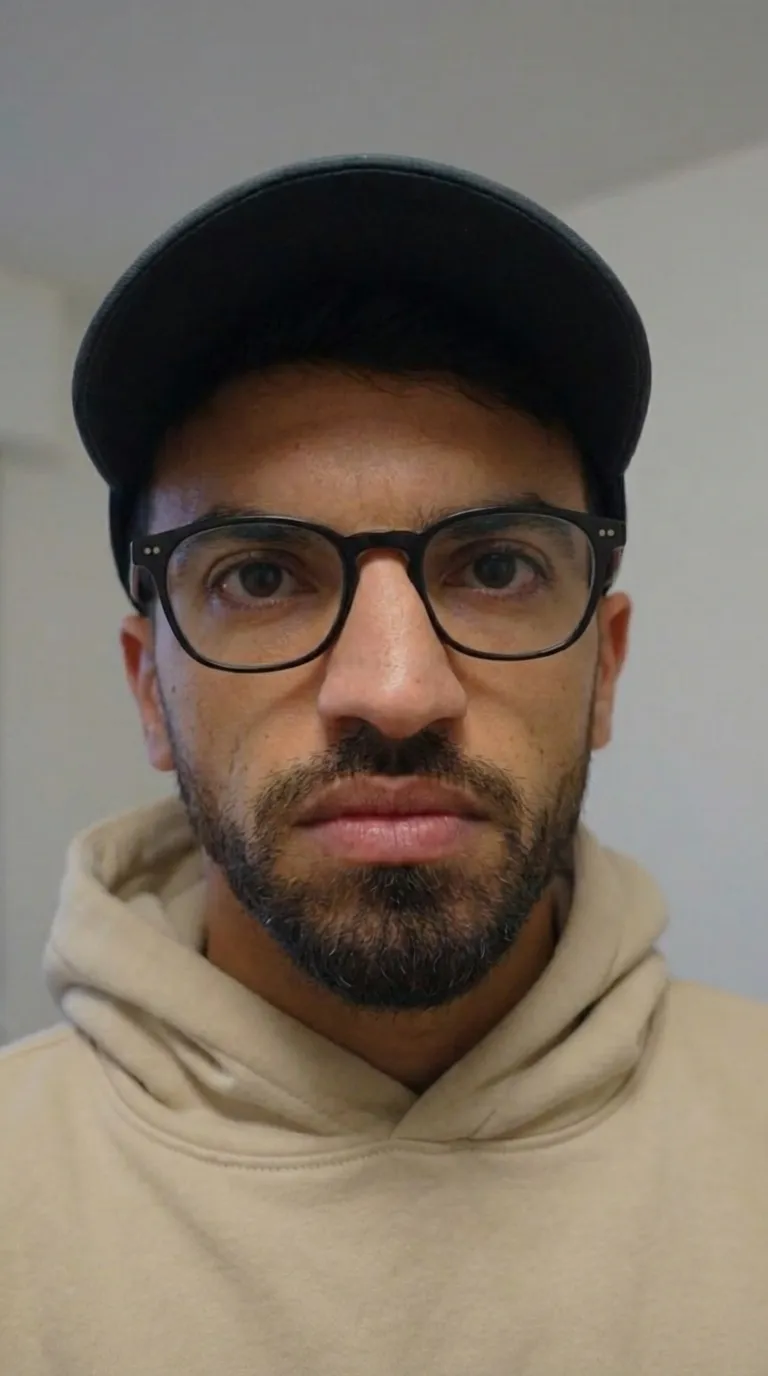
"I spend last hour testing AI Humanizers to find that actually works..."

Create Speaking AI Avatars from a Photo & Script
Upload any portrait photo and watch it come to life. Our proprietary AI engine maps facial landmarks to create seamless, natural-looking speech animations that are indistinguishable from real video.
- Next generation realistic AI model
- Natural eye blinking, mouth and hands movements
- Up to 2-minutes video clips
- Cost effective
How AI lip sync works in SpeakFace
Add the face
Upload a portrait photo, a short video of the person, or choose someone from the gallery.
Add the audio
Upload an MP3 or WAV voiceover, or type the words and pick a voice. The video length follows the audio.
Render the lip sync
SpeakFace generates the synced video in minutes. Download the MP4 or fetch it through the API.
Lip sync that looks like real speech
Photo or video input
Animate a still portrait, or use an existing video of a person and re-sync their mouth to a new voiceover.
Text or audio
Upload any recorded audio, or type a script and generate speech with a stock voice or your cloned voice.
Whole-face motion
Beyond the lips, the model adds blinks, eyebrow movement and head motion so the face reads as natural speech.
Natural Voice Cloning & Text-to-Speech
Don't have a voice actor? No problem. Clone your own voice with just 15 seconds of audio, or choose from our library of ultra-realistic AI voices.
15 Sec Cloning
Industry leading speed for custom voice creation.
10 Languages
English, Spanish, French, German, Italian, Portuguese, Russian, Chinese, Japanese and Korean.
Sample Voices
Clone Any VoiceEmily
Carson
Eric
Sahil
Orc
Getting accurate lip sync
Lip sync quality depends on three things: the face, the audio and the length of the clip. Most poor results come from the inputs, not the model.
Use a clean face
- Front-facing or slightly turned, with the mouth fully visible.
- Even lighting, no hands, microphones or hair over the lips.
- For video sources, choose a clip where the person is mostly still and facing the camera.
Use clean audio
- One speaker, no background music, no long silences at the start.
- Normal speaking pace. Very fast speech reduces mouth detail.
- If you type text, punctuation controls pauses: commas and full stops make delivery sound natural.
Common uses
- Dubbing and localization: re-voice a presenter in another language.
- Ad variations: keep the same creator and change only the hook or offer.
- Talking characters: give a mascot or illustrated character a voice.
- Automation: generate personalised videos in bulk through the API.
Pricing
Choose the plan that fits your creative needs. Upgrade or cancel anytime.
Starter
$0.67 per video (10 sec)
Ideal for small projects and individual creators.
- 15 credits per month (0.1 credit/sec)
- ~ 15 videos per month (10s video)
- 3 batch tasks
Growth
$0.40 per video (10 sec)
Perfect for growing channels and consistent content.
- 100 credits per month (0.1 credit/sec)
- ~ 100 videos per month (10s video)
- 10 batch tasks
- Faster processing
Pro
$0.33 per video (10 sec)
The ultimate power for professional studios and agencies.
- 300 credits per month (0.1 credit/sec)
- ~ 300 videos per month (10s video)
- 30 batch tasks
- Faster processing
Frequently Asked Questions
What is AI lip sync?
AI lip sync is the process of changing a face in an image or video so the mouth matches a given audio track. The model predicts the mouth shape for each sound and redraws the face frame by frame.
Can I lip sync an existing video to new audio?
Yes. Use a video of the person as the source instead of a photo and upload the new audio. This is useful for re-voicing, fixing a line or creating a version in another language.
Does it work with songs?
It works best with clear speech. Singing and audio with loud music behind the voice can produce less accurate mouth shapes, so use a clean vocal track when you can.
Which languages are supported?
Lip sync follows the sounds in the audio, so it works with any spoken language. Text-to-speech and voice cloning support many languages as well.
Is there a lip sync API?
Yes. The SpeakFace REST API accepts an image URL and either an audio URL or text, and returns a lip-synced video. A webhook notifies your server when the video is ready.
How much does AI lip sync cost?
Video costs 0.1 credit per second of output. Plans start at $9.99 per month for 15 credits.
More ways to create with SpeakFace
AI Talking Photo
Turn one portrait photo into a video that speaks your script.
AI UGC Video Generator
Selfie-style UGC ads for TikTok, Reels and Meta without creators.
Talking Head Videos
Presenter-style videos for courses, explainers and updates.
Motion Control
Transfer movement from a reference video onto a still image.
Talking Avatar API
Generate lip-synced avatar videos from your own code.
Ready to go viral?
Join hundreds of creators who are using SpeakFace.AI to dominate their niche.