
Animate Any Image with Your Own Movement
Record a motion video, add a still image, and SpeakFace transfers the movement onto it.
Animate Any Image with Motion Control
Upload an image, then guide it with real movement. Record yourself or use any motion video to make portraits, characters, and brand assets move naturally in the exact style you choose.
- Record your own motion or upload any reference video
- Transfer head, hand, and body movement to a static image
- Animate portraits, characters, product shots, and UGC assets
- Create dynamic clips without filming, rigging, or green screen
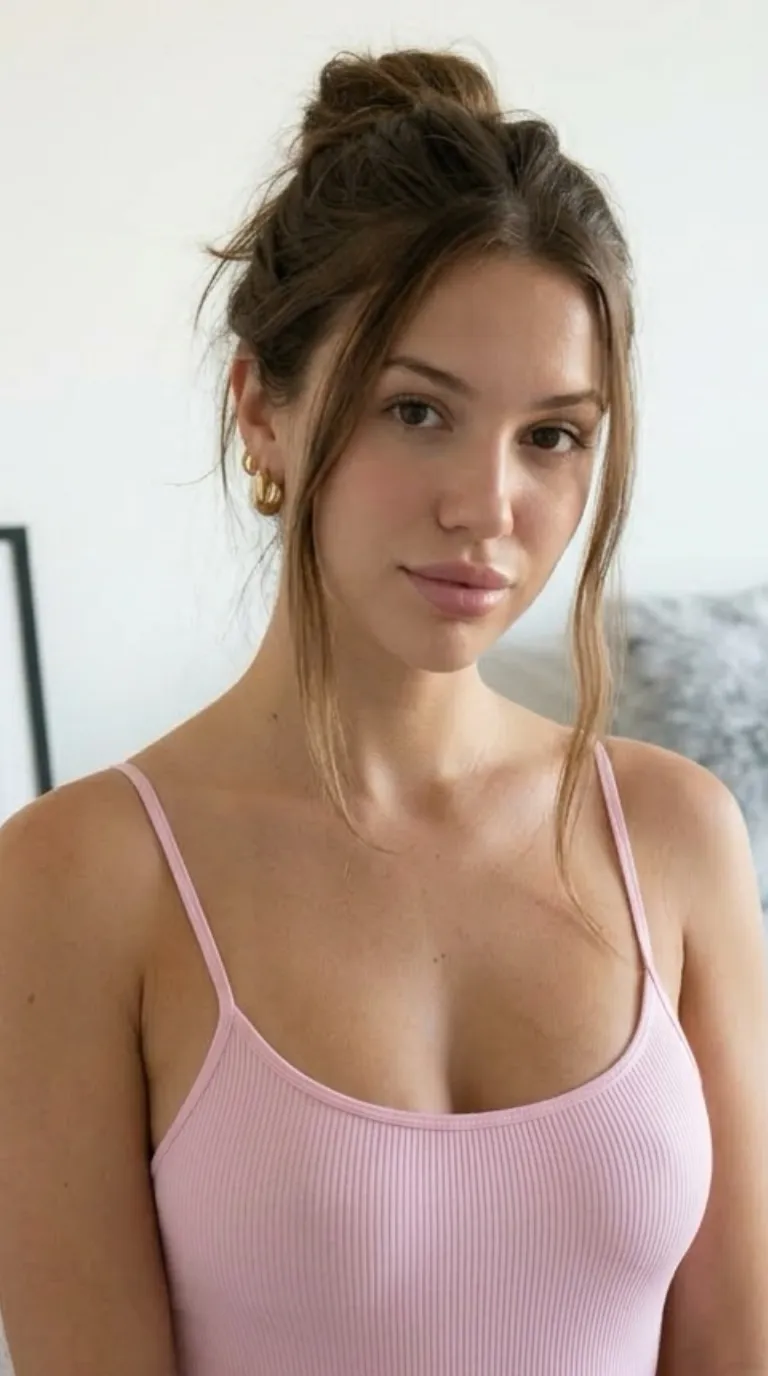
Record yourself or upload any clip as the movement guide.

How Motion Control works
Upload the image
Choose the first frame: the person or character you want to animate.
Add a motion video
Record yourself or upload any clip. Its head, hand and body movement becomes the guide.
Generate
SpeakFace transfers the motion onto your image and renders a new video.
Why use AI motion transfer
You direct the movement
Gestures, head turns and body motion come from a real video, so the result moves exactly the way you acted it out.
Works with any image
Portraits, illustrated characters, product mascots and UGC creators can all be animated.
No rigging or green screen
Skip 3D models and keyframes. A phone recording is enough as the motion guide.
Ideas for motion transfer
- UGC ads with gestures: a creator pointing, nodding or holding up a hand toward the camera.
- Character animation: bring a mascot or game character to life with your own acting.
- Dance and trend videos: apply a trending movement to a different person or character.
- Product presenters: natural body language around a talking presenter.
Need the person to speak as well? Pair Motion Control with a talking photo or AI lip sync for the spoken parts of your video.
Pricing
Choose the plan that fits your creative needs. Upgrade or cancel anytime.
Starter
$0.67 per video (10 sec)
Ideal for small projects and individual creators.
- 15 credits per month (0.1 credit/sec)
- ~ 15 videos per month (10s video)
- 3 batch tasks
Growth
$0.40 per video (10 sec)
Perfect for growing channels and consistent content.
- 100 credits per month (0.1 credit/sec)
- ~ 100 videos per month (10s video)
- 10 batch tasks
- Faster processing
Pro
$0.33 per video (10 sec)
The ultimate power for professional studios and agencies.
- 300 credits per month (0.1 credit/sec)
- ~ 300 videos per month (10s video)
- 30 batch tasks
- Faster processing
Frequently Asked Questions
What is AI motion transfer?
Motion transfer takes the movement from one video (the driving video) and applies it to a different person or character in a still image, producing a new video where the image moves like the original performer.
What makes a good motion video?
A steady camera, one person in frame, clear lighting and movement that roughly matches the framing of your image. Full-body motion needs a full-body image, and close-up gestures need a close-up image.
How is this different from a talking photo?
A talking photo animates the face to match speech. Motion Control moves the head, hands and body based on a reference video. Use talking photos for speaking presenters and Motion Control for gestures and actions.
More ways to create with SpeakFace
AI Talking Photo
Turn one portrait photo into a video that speaks your script.
AI UGC Video Generator
Selfie-style UGC ads for TikTok, Reels and Meta without creators.
AI Lip Sync
Sync any face to any audio or text, with natural mouth movement.
Talking Head Videos
Presenter-style videos for courses, explainers and updates.
Talking Avatar API
Generate lip-synced avatar videos from your own code.
Ready to go viral?
Join hundreds of creators who are using SpeakFace.AI to dominate their niche.