
AI Talking Head Videos Without a Camera
Turn a photo and a script into a presenter video for courses, explainers, updates and social media.
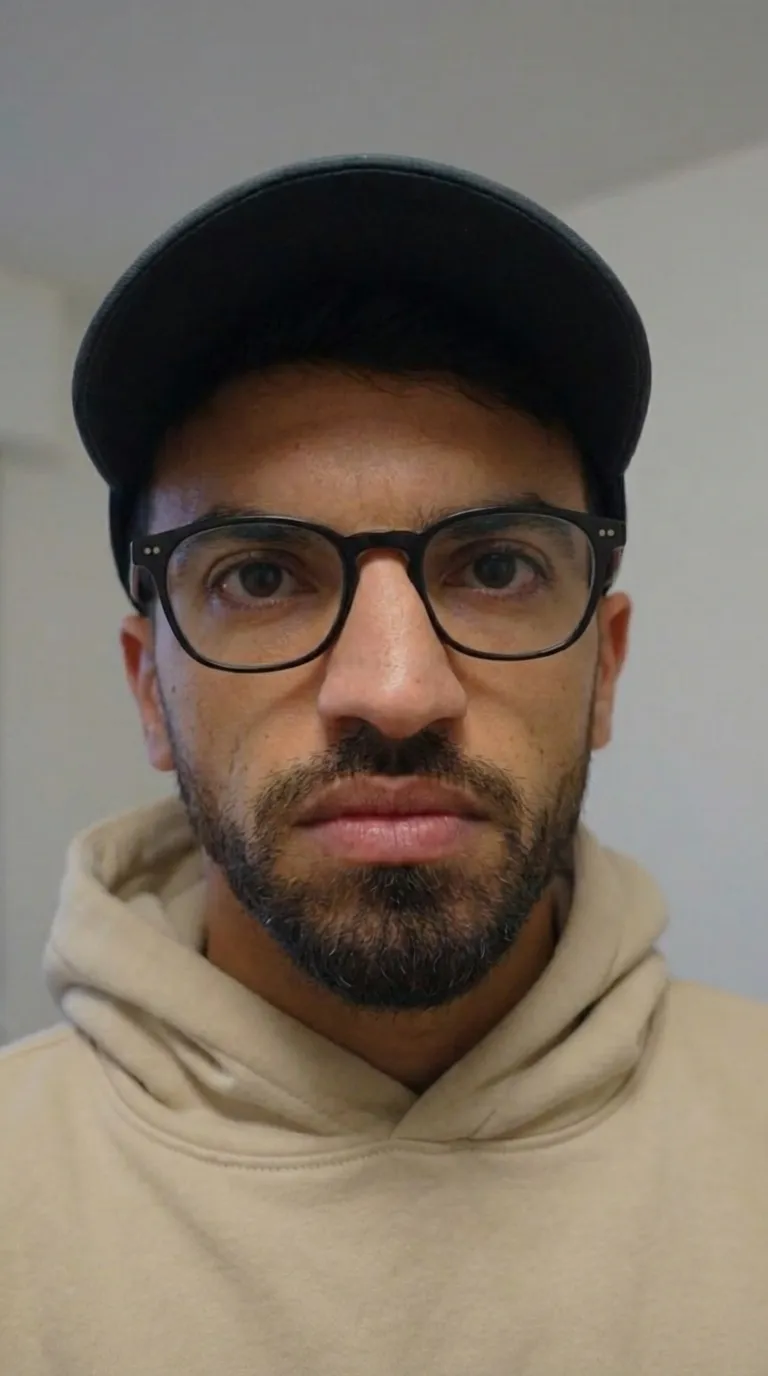
"I spend last hour testing AI Humanizers to find that actually works..."

Create Speaking AI Avatars from a Photo & Script
Upload any portrait photo and watch it come to life. Our proprietary AI engine maps facial landmarks to create seamless, natural-looking speech animations that are indistinguishable from real video.
- Next generation realistic AI model
- Natural eye blinking, mouth and hands movements
- Up to 2-minutes video clips
- Cost effective
What is a talking head video?
A talking head video is a shot of one person speaking straight to the camera, usually from the chest up, with a simple background. The name comes from television, where the frame shows little more than the speaker’s head and shoulders. Because the viewer looks the speaker in the eye, the format builds trust and keeps attention on the message.
Where talking head videos work best
- Online courses and training: an instructor introduces each lesson.
- Product explainers and onboarding: a face walks users through a feature.
- Company updates: short announcements for customers or teams.
- Social media: commentary, tips and storytelling on TikTok, Reels and Shorts.
- Ads and testimonials: a person recommending a product in their own words.
Filmed vs. AI talking head videos
| Filmed | AI-generated | |
|---|---|---|
| Equipment | Camera, mic, lights | A photo |
| Changing one sentence | Reshoot or awkward cut | Edit text, render again |
| Other languages | New recording or dubbing | New script and voice |
| Spontaneous emotion | Strong | Limited to the script |
Tips for better talking head videos
- One idea per video. Viewers drop off when a clip tries to cover several topics.
- Write for the ear: short sentences, everyday words, a clear first line.
- Cut to slides, screenshots or B-roll every 10 to 20 seconds to keep the pace up.
- Add captions. Many people watch on mute.
Make an AI talking head video in 3 steps
Pick your presenter
Upload a portrait (yours or a presenter who agreed to it) or choose a person from the gallery.
Write the script
Paste the text for one topic or scene. Use your cloned voice or a stock voice.
Generate and edit
Download the talking head clip and combine it with slides, screen recordings or B-roll in your editor.
Why create talking heads with AI
No camera, studio or retakes
Write the script once. If a line changes, edit the text and render again instead of reshooting.
Same presenter every time
Keep one consistent face and voice across a whole course, channel or product library.
Fast to update
Prices, features and policies change. Regenerate just the affected video in minutes.
Pricing
Choose the plan that fits your creative needs. Upgrade or cancel anytime.
Starter
$0.67 per video (10 sec)
Ideal for small projects and individual creators.
- 15 credits per month (0.1 credit/sec)
- ~ 15 videos per month (10s video)
- 3 batch tasks
Growth
$0.40 per video (10 sec)
Perfect for growing channels and consistent content.
- 100 credits per month (0.1 credit/sec)
- ~ 100 videos per month (10s video)
- 10 batch tasks
- Faster processing
Pro
$0.33 per video (10 sec)
The ultimate power for professional studios and agencies.
- 300 credits per month (0.1 credit/sec)
- ~ 300 videos per month (10s video)
- 30 batch tasks
- Faster processing
Frequently Asked Questions
What is a talking head video?
A talking head video shows a person speaking directly to the camera, usually framed from the chest up. It is the standard format for explainers, online courses, news updates, testimonials and YouTube commentary.
How do I make a talking head video without filming?
Use an AI talking head generator. Upload a portrait photo, add your script or voiceover, and the AI produces a video of that person speaking with matching lip movement.
How long should a talking head video be?
For social media, 15 to 60 seconds. For lessons and explainers, split content into 1 to 3 minute segments, one idea per segment. Short clips also render faster and are easier to update.
Can I use my own face and voice?
Yes. Upload your own photo and clone your voice from a short sample, and the AI presenter will look and sound like you.
More ways to create with SpeakFace
AI Talking Photo
Turn one portrait photo into a video that speaks your script.
AI UGC Video Generator
Selfie-style UGC ads for TikTok, Reels and Meta without creators.
AI Lip Sync
Sync any face to any audio or text, with natural mouth movement.
Motion Control
Transfer movement from a reference video onto a still image.
Talking Avatar API
Generate lip-synced avatar videos from your own code.

Ready to go viral?
Join hundreds of creators who are using SpeakFace.AI to dominate their niche.