
Make Any Photo Talk with AI
Upload a portrait, add a script or audio, and get a realistic talking video with natural lip sync in minutes.
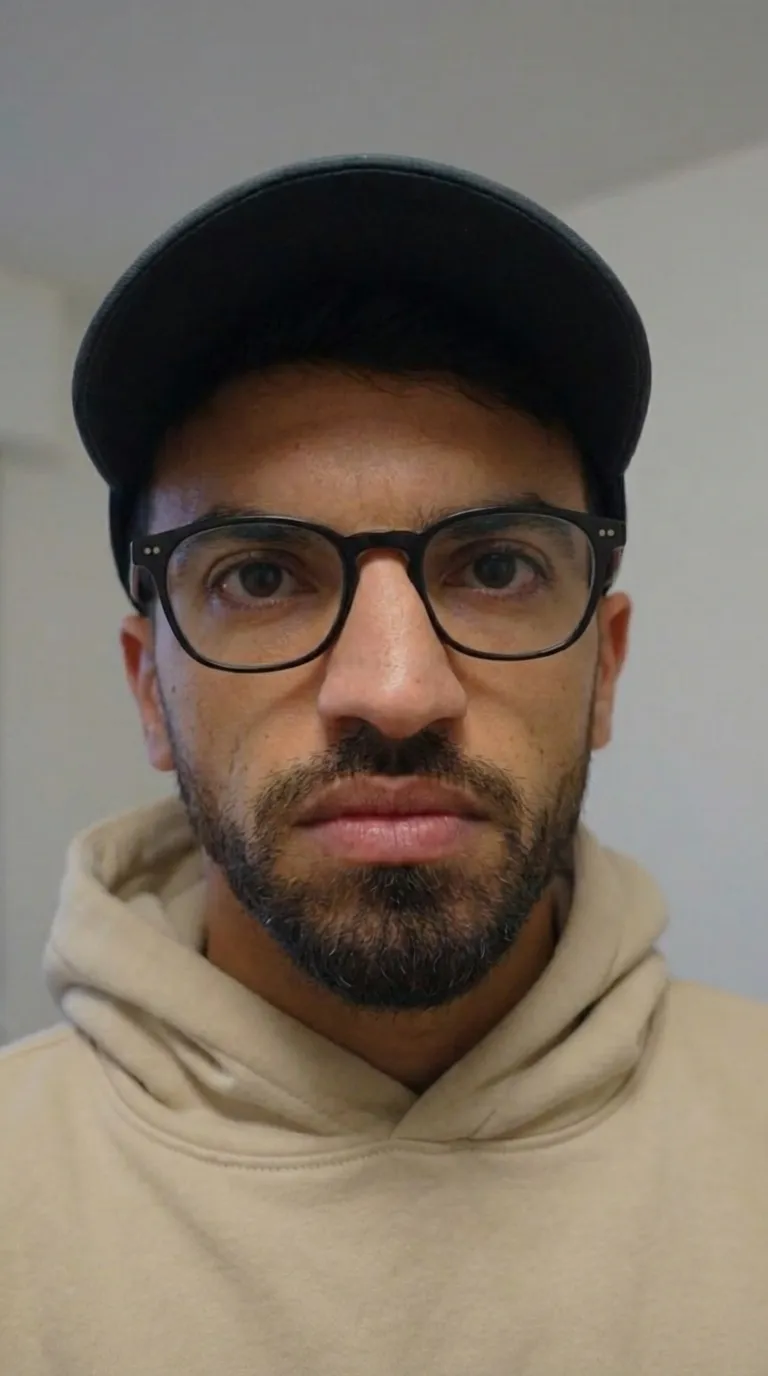
"I spend last hour testing AI Humanizers to find that actually works..."

Create Speaking AI Avatars from a Photo & Script
Upload any portrait photo and watch it come to life. Our proprietary AI engine maps facial landmarks to create seamless, natural-looking speech animations that are indistinguishable from real video.
- Next generation realistic AI model
- Natural eye blinking, mouth and hands movements
- Up to 2-minutes video clips
- Cost effective
How to make a photo talk in 3 steps
Upload a portrait
Use a sharp, well-lit photo where the face looks at the camera and the mouth is closed or relaxed. Or pick a ready-made person from the gallery.
Add what it should say
Type your script and choose a voice, or upload an MP3 or WAV recording. The video length follows the length of the speech.
Generate and download
SpeakFace renders the talking video in a few minutes. Download it as MP4 and post it anywhere.
Why use SpeakFace for talking photos
One photo is enough
No filming and no 3D model. A single clear, front-facing portrait is all SpeakFace needs to animate the face.
Real speech, not a puppet
The mouth follows the actual sounds of the audio, and the face adds natural blinks and small head movements so it does not look frozen.
Your script, any voice
Type text and pick a voice, clone your own voice from a short sample, or upload a recorded audio file.
Natural Voice Cloning & Text-to-Speech
Don't have a voice actor? No problem. Clone your own voice with just 15 seconds of audio, or choose from our library of ultra-realistic AI voices.
15 Sec Cloning
Industry leading speed for custom voice creation.
10 Languages
English, Spanish, French, German, Italian, Portuguese, Russian, Chinese, Japanese and Korean.
Sample Voices
Clone Any VoiceEmily
Carson
Eric
Sahil
Orc
What is an AI talking photo?
An AI talking photo is a short video made from a single still image. A lip sync model reads the audio, predicts the mouth shape for each sound and redraws the lower face frame by frame. A second layer adds the motion a real person makes while talking: blinks, eyebrow movement and a slight turn of the head. The result looks like the person in the photo recorded the message on camera.
What people use talking photos for
- Social content: a presenter for TikTok, Reels and Shorts without filming yourself.
- Ads: UGC-style product testimonials and hooks you can test in many versions.
- Courses and explainers: a consistent face that reads your lesson script.
- Characters: mascots, game characters and illustrated personas that speak.
- Personal messages: greetings and announcements in your own cloned voice.
Tips for a natural result
- Start with a high-resolution photo. The model cannot add detail that is not in the image.
- Keep the face centred and looking at the camera, with the mouth visible.
- Write the script the way people speak. Short sentences sound more natural than long ones.
- Match the voice to the face: age, gender and energy matter more than you expect.
- For a handheld phone look, turn on selfie mode, which adds light camera shake.
Talking photo vs. a full AI avatar
A talking photo animates the face of an existing image. A studio avatar is usually recorded from video of a real actor and often costs more or requires an enterprise plan. If you already have the image you want, a talking photo is the fastest and cheapest way to make it speak. When you need the body to move as well, use Motion Control to transfer movement from a reference video onto the same image.
Pricing
Choose the plan that fits your creative needs. Upgrade or cancel anytime.
Starter
$0.67 per video (10 sec)
Ideal for small projects and individual creators.
- 15 credits per month (0.1 credit/sec)
- ~ 15 videos per month (10s video)
- 3 batch tasks
Growth
$0.40 per video (10 sec)
Perfect for growing channels and consistent content.
- 100 credits per month (0.1 credit/sec)
- ~ 100 videos per month (10s video)
- 10 batch tasks
- Faster processing
Pro
$0.33 per video (10 sec)
The ultimate power for professional studios and agencies.
- 300 credits per month (0.1 credit/sec)
- ~ 300 videos per month (10s video)
- 30 batch tasks
- Faster processing
Frequently Asked Questions
How do I make a photo talk?
Upload a portrait photo to SpeakFace, type the text you want it to say (or upload audio), choose a voice and click generate. The AI animates the lips, eyes and head to match the speech and returns an MP4 video.
What kind of photo works best?
A front-facing, well-lit photo with the whole face visible works best. Avoid heavy shadows, sunglasses, hands covering the mouth and very low resolution images. Realistic photos give the most natural result, though illustrated characters with a human face often work too.
Can I use my own voice?
Yes. You can clone your voice from a short recording of about 15 seconds, or upload a finished audio file and the photo will lip sync to it.
How long can a talking photo video be?
Clips of up to about two minutes work well. For longer content, split the script into scenes and generate them separately.
Can I make a photo of another person talk?
Only if you have the right to use that person’s image. SpeakFace does not allow deepfakes of real people without their consent, and every script passes a content moderation check before generation.
How much does it cost?
Plans start at $9.99 per month. Video costs 0.1 credit per second, so a 10-second talking photo uses 1 credit.
More ways to create with SpeakFace
AI UGC Video Generator
Selfie-style UGC ads for TikTok, Reels and Meta without creators.
AI Lip Sync
Sync any face to any audio or text, with natural mouth movement.
Talking Head Videos
Presenter-style videos for courses, explainers and updates.
Motion Control
Transfer movement from a reference video onto a still image.
Talking Avatar API
Generate lip-synced avatar videos from your own code.
Ready to go viral?
Join hundreds of creators who are using SpeakFace.AI to dominate their niche.